
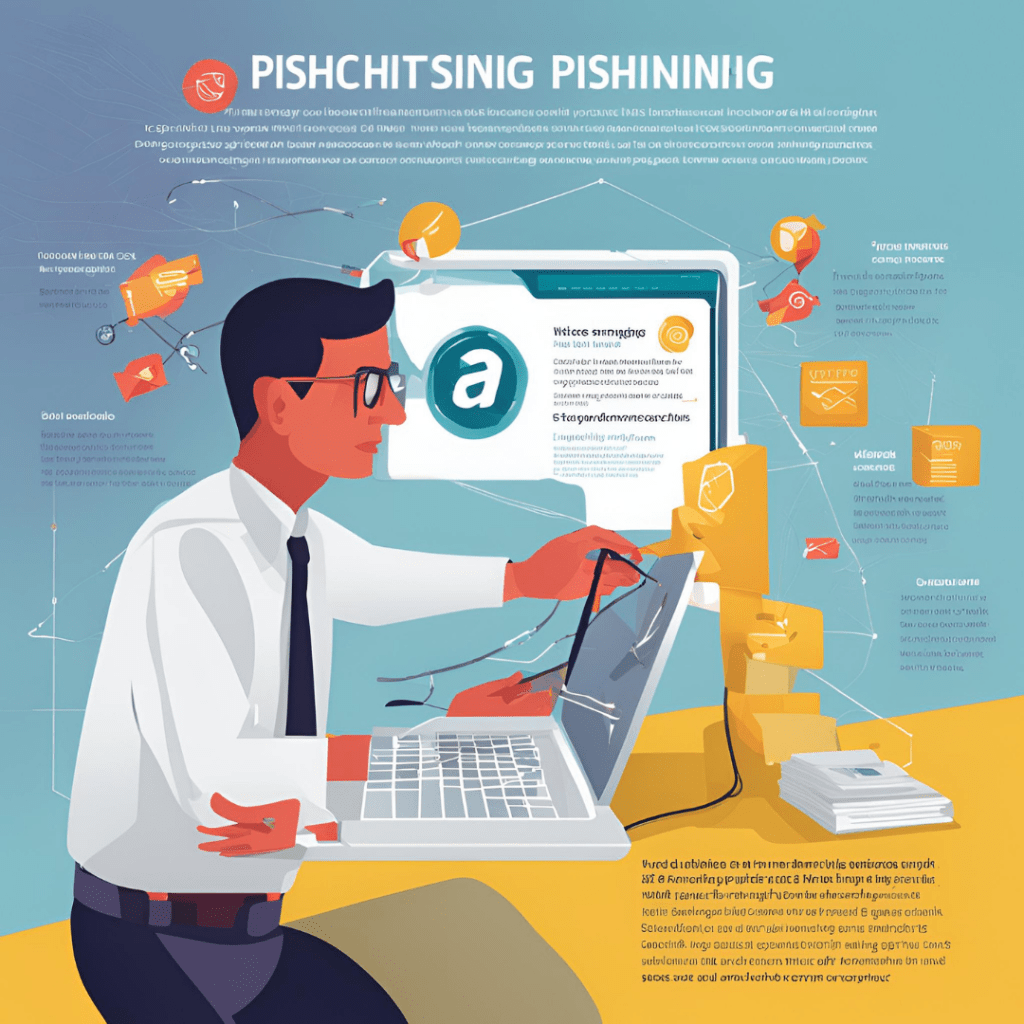
With the integration of the internet into our daily lives, cyber threats have increased rapidly. One of these threats is phishing attacks. Phishing is a type of cyberattack in which malicious individuals try to deceive users into revealing personal information, such as passwords, bank account numbers, and login credentials. This type of attack can happen through emails, text messages, or social media platforms. Phishing attacks pose a significant risk to both individual users and businesses, making it crucial to understand how to recognize and prevent them.
What is Phishing?
Phishing attacks typically occur when cybercriminals pose as trusted institutions, such as banks or social media platforms, and trick users into providing sensitive information. These attacks are often conducted via email, SMS, or even through fake websites.
For example, a phishing email may appear to come from a legitimate bank, asking the user to click on a link and update their account details, which actually leads to a fake website designed to steal the user’s credentials.
How Do Phishing Attacks Happen?
Phishing attacks generally happen through the following methods:
- Email Phishing: A fraudulent email, appearing to come from a trusted source, contains a link that, when clicked, directs the user to a fake website asking for personal information.
- SMS Phishing (SMiShing): Phishing attacks via text messages, where a malicious link is sent to the user, tricking them into clicking it and revealing their personal information.
- Social Media Phishing: Cybercriminals can also use social media platforms to create fake profiles or posts that trick users into providing their personal details.
How to Protect Yourself from Phishing Attacks?
1. Carefully Examine Emails and Messages: If you receive an email or text message that seems suspicious, do not click any links. Always check the sender’s email address for authenticity. Trusted institutions will never ask for personal information via email.
2. Verify Links Before Clicking: Before clicking on any links in emails or text messages, hover over the link to check if it directs you to the real website. Legitimate websites usually start with “https” and show a lock icon in the address bar.
3. Secure Your Passwords: Use strong and unique passwords for each platform. Consider enabling two-factor authentication (2FA) wherever possible to add an extra layer of security.
4. Report Phishing Attempts: If you encounter a phishing attack, report it to the relevant organization (bank, social media platform, etc.) immediately. You should also report phishing emails to your email service provider.
5. Keep Your Software Updated: Ensure that the software on your computer and mobile devices is up to date. Security updates and antivirus software can help protect against phishing attacks.
6. Education and Awareness: For businesses, educating employees on phishing and keeping them informed about the latest phishing tactics is essential. Individual users should also educate themselves and stay updated on new phishing methods.
How Businesses Can Defend Against Phishing Attacks
In the corporate world, phishing attacks can cause significant damage. Employees play a crucial role in protecting both company data and customer information. Therefore, businesses should take the following steps to strengthen their defenses:
- Training and Simulations: Regular training sessions and phishing simulation exercises can help employees recognize phishing attempts.
- Email Filtering Systems: Businesses should implement robust email filtering systems to detect and block phishing emails before they reach the inbox.
- Advanced Security Protocols: Corporate email systems should be secured with advanced security measures that can block malicious links or attachments.
Conclusion
Phishing attacks pose a serious threat to both individuals and businesses. The most effective way to protect yourself is through vigilance and awareness. Using strong passwords, verifying the authenticity of emails and messages, and following best practices for secure internet usage are key steps in securing your online presence. For businesses, regular employee training and implementing strong security measures can help prevent phishing attacks and protect sensitive data.


 Secure Your Digital World
Yorum bırakın